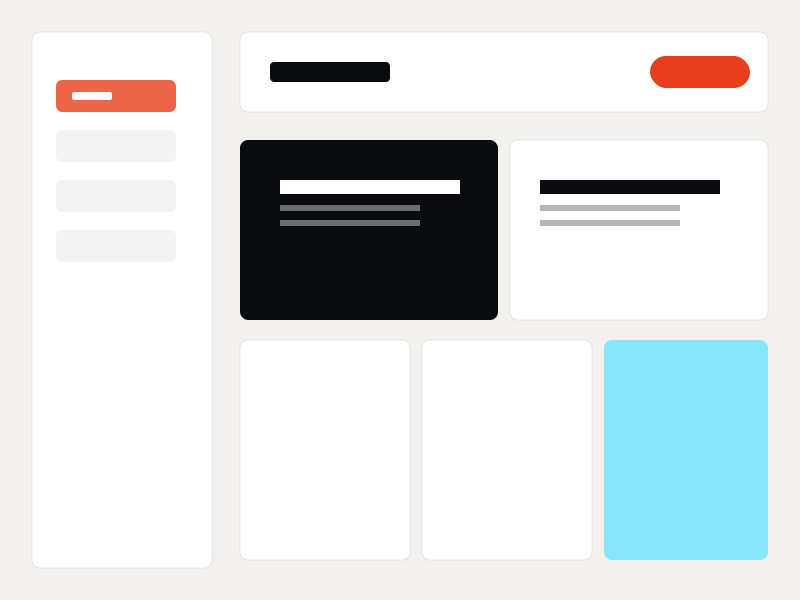
An internal tool UI for self-serve sales-deck assembly. Component library, drag-and-drop layouts, and brand enforcement built into the system so non-designers couldn't break brand rules even if they tried.
Gate's sales team needed deck updates weekly and every change went through design. The internal tool was meant to solve this without sacrificing brand consistency — a constrained design space where on-brand was the only path forward.
Gate's sales team needed deck updates weekly. Every change came back to the design team, averaging a 5-day turnaround. Self-serve attempts in PowerPoint broke brand rules — wrong type, wrong colors, copy-pasted slides between unrelated decks.
A mix of methods, scaled to the size of the project. The goal: get to the underlying user need without overengineering the research phase.
Talked with 8 sales reps across regions to understand what they actually needed to change, vs. what they thought they needed.
Walked through 30 days of deck requests with the design team to identify the 20% of changes that drove 80% of the volume.
Catalogued how reps were currently breaking brand rules — wrong type, copy-pasted slides, color mistakes.
Mapped the 12 most common deck assembly patterns to identify what to build as templates vs. what to leave as building blocks.
What the research surfaced — distilled to the three things that drove every design decision after.
A drag-and-drop interface that only let users pick from pre-built, on-brand components. Type styles couldn't be overridden. Colors picked from a token system. Layouts followed a small set of templates. The tool made the right choices easy and the wrong choices impossible.

The same process on every project, scaled to the size of the brief. Predictable enough to plan against, flexible enough to fit the work.
Sales interviews, design team retro, PowerPoint audit.
Constraint model — only on-brand outputs possible.
12 deck templates, 40+ swappable components, 3 layout systems.
5 rounds of feedback with sales reps to refine the assembly flow.

25+ sales reps now self-serve deck updates without involving design. The design team got back ~15 hours a week previously spent on slide tweaks. Brand consistency across customer-facing decks measurably improved.
Internal tools taught me that constraint is a feature, not a limitation. The best internal tools make the right thing the easy thing — and the wrong thing impossible.