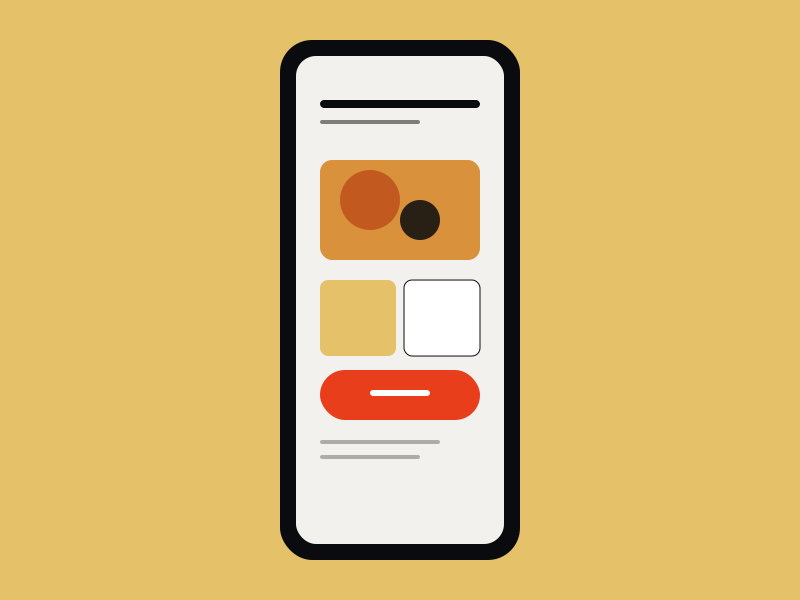
Mobile ordering UI for an in-house food brand. Conversion-focused checkout, brand-led visual layer, and a menu structure that scaled across 40+ SKUs without overwhelming a small screen.
Yellowbites had a strong brand and a weak ordering experience. The mobile app had to carry the brand's warmth onto a small screen while remaining usable for a 40+ SKU menu — and convert better than the web ordering flow that preceded it.
Yellowbites needed a mobile ordering flow that could carry the brand's visual language onto a small screen without sacrificing usability. The brand was warm and playful; the UI couldn't sacrifice clarity for character.
A mix of methods, scaled to the size of the project. The goal: get to the underlying user need without overengineering the research phase.
Analyzed 6 months of customer support tickets from the web ordering flow to identify recurring friction points.
Studied UX patterns across Swiggy, Zomato, Uber Eats, and Domino's to identify what works in food ordering on mobile.
Talked with operations, kitchen, and delivery staff to understand the downstream impact of each user choice.
Walked through the existing web flow with a fresh eye, documenting every place a customer had to think twice.
What the research surfaced — distilled to the three things that drove every design decision after.
Two modes for two intents. Browse mode used the brand's warmth — large imagery, friendly type, breathing room. Checkout mode tightened up — single column, clear next-step affordances, minimal distractions. The same components, two layouts.

The same process on every project, scaled to the size of the brief. Predictable enough to plan against, flexible enough to fit the work.
Support ticket analysis, competitive teardown, stakeholder interviews.
Two-mode framework: warm browse, tight checkout.
32 screens, component system, in-app motion specs.
Specs, prototype, and motion reference for development team.


The UI shipped as the visual reference for the app build. The component system stayed intact through development with minimal compromise. Cart abandonment dropped meaningfully against the earlier web-based ordering flow.
Mobile food ordering taught me that UX isn't just screens — it's the agreement between brand voice and user intent. The brand has to know when to speak and when to get out of the way.